Informatik A
Introduce students to software engineering and object-oriented design while they learn the Java programming language in this free curriculum for AP® Computer Science A (AP® CSA).
Erkunden Sie den Kurs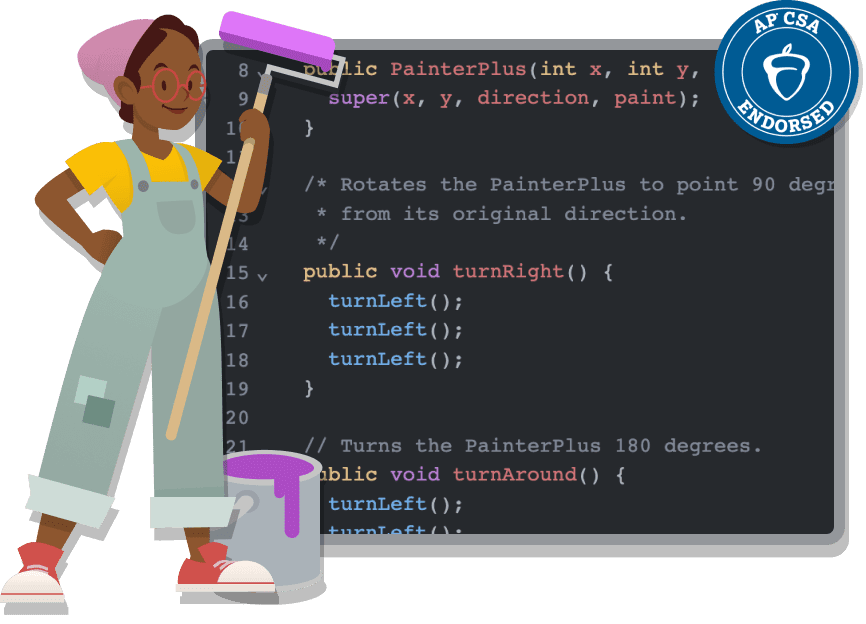
A new approach to AP® CSA
- Culturally responsive pedagogy
- Real-world problem investigation
- Explainer videos with diverse presenters
- Open-ended projects for more personalized learning
- Student-friendly code review tool
Der Lehrplan auf einen Blick
-
Klassen: 9-12
-
Stufe: Mittelstufe
-
Dauer: Schuljahr
-
Geräte: Laptop, Chromebook
-
Themen: Programming, Data, Art and Design, Games and Animation
-
Programmierungstools Java Lab
-
Weiterbildung: Facilitator-led Workshops
-
Barrierefreiheit: Text-to-speech, Closed captioning, Immersive reader
-
Unterstützte Sprachen: Deutsch
I could tell last year how different and better this curriculum and resources were than anything else out there... but this year, these past few weeks preparing students for the exam have been some of my most fun teaching. And I'm hardly doing anything! Kids understand the material and are talking with each other at such a high level and it's a direct reflection of the lessons and activities throughout the year. Thank you, thank you.
AP® Computer Science A Teacher
Zum Lernen anregende Projekte und Aktivitäten


Java Lab
Java Lab is a programming environment where you can make Java programs using The Neighborhood, The Theater, or the console.
Testen Sie Java LabObjekte zuerst
Students learn the fundamentals of object-oriented programming (OOP) first, giving them a foundation for the rest of the course while encouraging them to consider the overall design of their programs.
Erfahren Sie mehr über unser Herangehen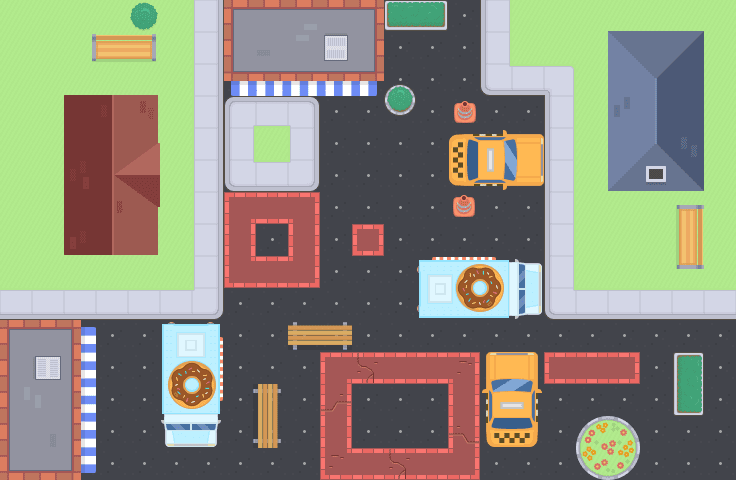
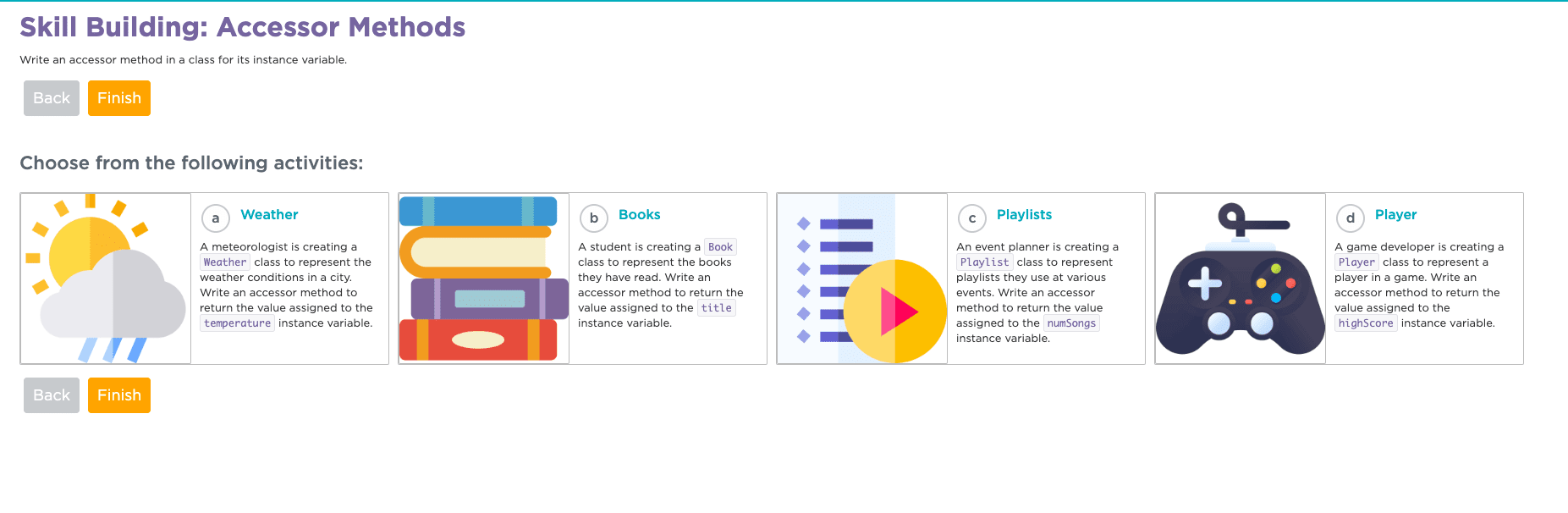
Auswahlstufen
Students are offered the choice between a variety of tasks that reinforce course objectives while allowing for differentiation and customization, meeting students where they are at and encouraging them to go further.
Sehen Sie sich das Beispiel für das ausgewählte Level anDiese Ressourcen unterstützen Sie bei jedem Schritt auf dem Weg
Sign up for a Code.org account und nutzen Sie Materialien, die Ihnen beim Informatikunterricht helfen. Code.org hat umfangreiche Ressourcen zur Unterstützung von Pädagogen entwickelt, auch für LehrerInnen, die noch keine Lehrerfahrung im Bereich Informatik haben.
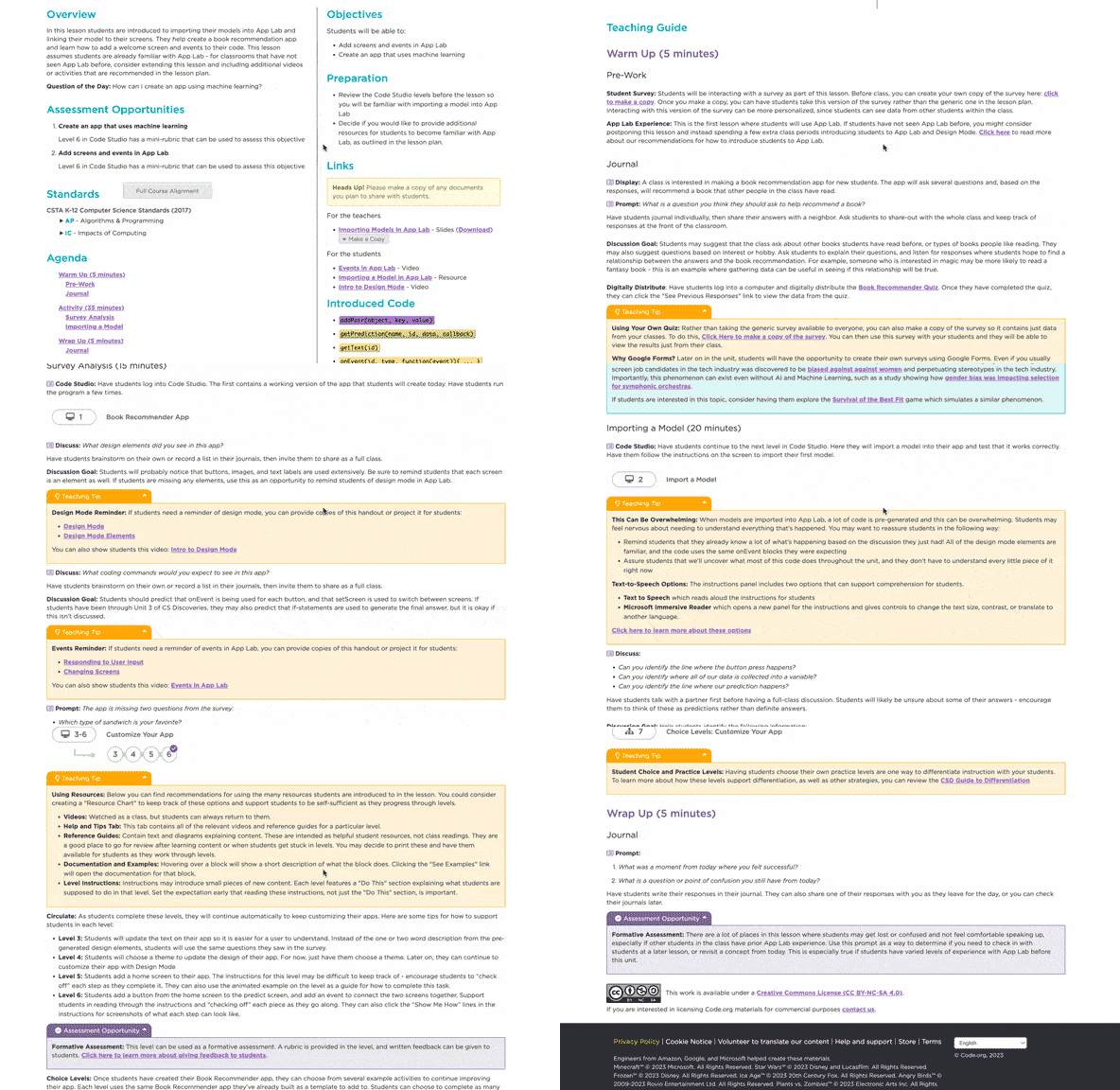
Stundenpläne
Nutzen Sie die schrittweisen Anleitungen, Lernziele und Bewertungsstrategien für den effektiven Unterricht.
Sie finden alle nützlichen Ressourcen an einem Ort, darunter Präsentationsfolien, Aktivitätsanleitungen, Rubriken und mehr. Jeder Stundenplan beinhaltet auch Tipps für die Umsetzung im Klassenzimmer, Ideen für individuelle Betreuung und Aktivitätserweiterungen, die sich an SchülerInnen mit unterschiedlichen Fähigkeiten richten.
Beispiel für einen Unterrichtsplan ansehen
Anleitungsvideo
Sehen Sie sich die verständliche Übersicht über Informatik- und Programmierkonzepte an.
Die Videoreihen von Code.org wurden speziell für Ihren Unterricht entwickelt und sind ansprechend und unterhaltsam.
Alle Videos ansehenPräsentationen
Wir bieten LehrerInnen einen strukturierten, visuell ansprechenden und pädagogisch wertvollen Rahmen für den Informatikunterricht.
Die Präsentationsfolien von Code org. umfassen schrittweise Anleitungen, Beispiele und interaktive Aktivitäten, die auf die Lehrplanziele abgestimmt sind.
Beispiel für eine Präsentation ansehen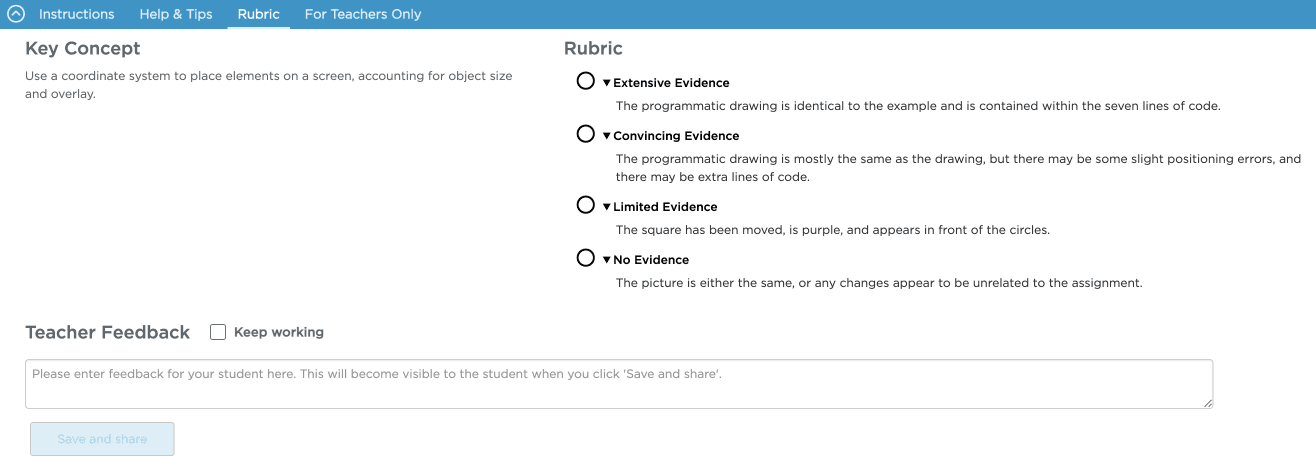
Bewertungen
Unser Lehrplan enthält ein umfassendes System von formativen und summativen Bewertungsressourcen.
Dazu gehören Rubriken, Checklisten, Mini-Projekte, weiterführende Projekte zum Schluss des Unterrichts, Schülerrubriken, Beispielprojekte und Tests nach den Projekten. Alle diese Ressourcen sollen dazu dienen, LehrerInnen bei der Messung des Lernfortschritts der SchülerInnen zu unterstützen, Feedback zu geben und das Verständnis der SchülerInnen zu bewerten.
Unterrichtsbewertung ansehen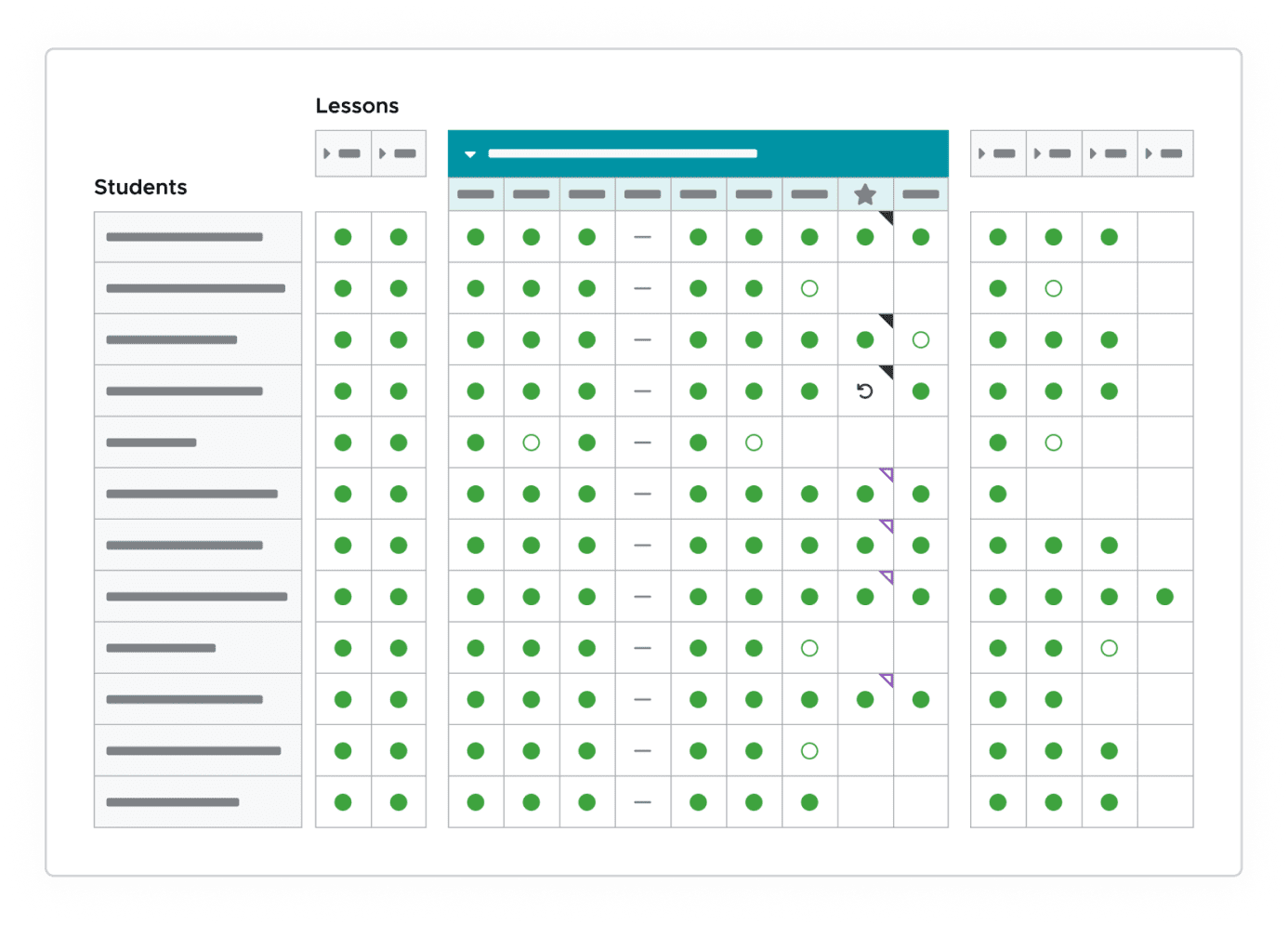
Track your students' progress
Our powerful progress view helps you monitor student work by providing insights into completion status, time spent, and more. Easily track each student's learning journey, quickly assess participation, and give personalized feedback.
Create a Code.org accountStundenpläne
Stundenpläne
Nutzen Sie die schrittweisen Anleitungen, Lernziele und Bewertungsstrategien für den effektiven Unterricht.
Sie finden alle nützlichen Ressourcen an einem Ort, darunter Präsentationsfolien, Aktivitätsanleitungen, Rubriken und mehr. Jeder Stundenplan beinhaltet auch Tipps für die Umsetzung im Klassenzimmer, Ideen für individuelle Betreuung und Aktivitätserweiterungen, die sich an SchülerInnen mit unterschiedlichen Fähigkeiten richten.
Beispiel für einen Unterrichtsplan ansehenVideos
Anleitungsvideo
Sehen Sie sich die verständliche Übersicht über Informatik- und Programmierkonzepte an.
Die Videoreihen von Code.org wurden speziell für Ihren Unterricht entwickelt und sind ansprechend und unterhaltsam.
Alle Videos ansehenBewertungen
Bewertungen
Unser Lehrplan enthält ein umfassendes System von formativen und summativen Bewertungsressourcen.
Dazu gehören Rubriken, Checklisten, Mini-Projekte, weiterführende Projekte zum Schluss des Unterrichts, Schülerrubriken, Beispielprojekte und Tests nach den Projekten. Alle diese Ressourcen sollen dazu dienen, LehrerInnen bei der Messung des Lernfortschritts der SchülerInnen zu unterstützen, Feedback zu geben und das Verständnis der SchülerInnen zu bewerten.
Unterrichtsbewertung ansehenProgress
Track your students' progress
Our powerful progress view helps you monitor student work by providing insights into completion status, time spent, and more. Easily track each student's learning journey, quickly assess participation, and give personalized feedback.
Create a Code.org accountAdditional AP CSA resources for educators
Professional Learning
6-12 Educator Workshops

Our highly supportive Professional Learning Program will bring you together with a group of teachers to learn from each other as well as expert facilitators as you take on the first year of teaching the free CSA curriculum to your students.
Prep for the exam
Custom Quizzes for AP Classroom

Unlock the full potential of AP Classroom with Code.org's custom quizzes, seamlessly mapped to our curriculum sequence. Empower your teaching and boost your students' AP exam readiness with practice materials that resonate with the way you teach.
After the exam
AP CSA Computer Vision
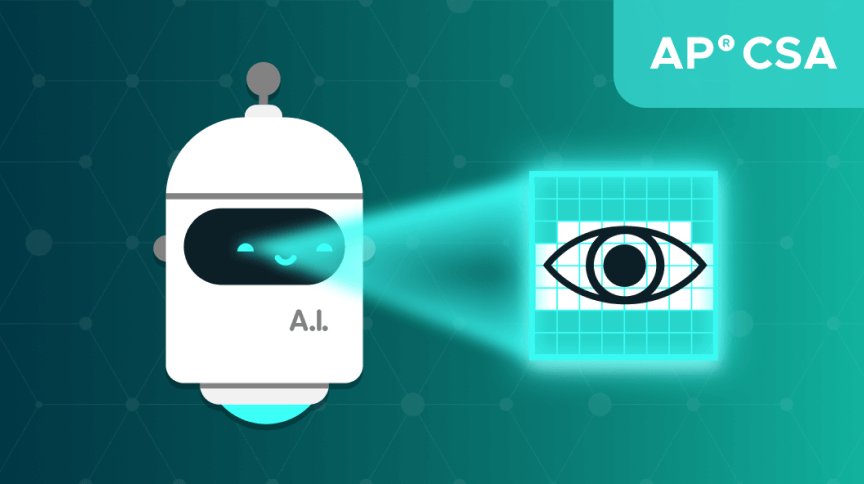
This two-chapter post-AP® CSA module offers high school students hands-on experience with professional software development tools, including GitHub and GitHub Copilot, and imparts them with the real-world skills to develop a computer vision program.
Häufig gestellte Fragen
Is CSA mapped to standards?
Yes, Code.org's CSA curriculum is mapped to the College Board Course and Exam Description for AP® CSA.
How much does it cost to teach CSA?
Our curriculum and platform are available at no cost for anyone, anywhere, to teach!
How/Where can I get professional development for CSA?
Professional learning workshops for Code.org's CSA curriculum start each summer. Click here to apply.
What is the recommended timing for teaching CSA?
A minimum of 140 class hours; should be taught as a full-year course. Contains nine units, which includes an AP® Exam Prep unit.
What materials do I need for this course?
This curriculum requires that students have access to computers with a modern web browser. At this time, our curriculum is not optimized for tablets or mobile devices. For more details, check out our technology requirements. In addition to technology, typical classroom supplies like scissors and sticky notes will also be used throughout the curriculum.
Why do I need to become a verified teacher to teach CSA and run code in Java Lab?
Java Lab is a unique environment from all other Code.org programming environments and requires additional measures to ensure network security for all. Read more about it here.
How can I access answer keys?
With an approved teacher account, you can find answer keys in a blue "Teacher Only" panel that shows in the online lessons and activities.
Teachers in our Professional Learning Program will automatically be approved to view answer keys. If you need an approved teacher account, you can apply for access to protected teacher-only materials (answer keys, etc) through this form. Please keep in mind that it may take 3-5 business days to verify your account.
How was the curriculum developed?
Our CSA curriculum was written by teachers, for teachers and was designed with our Curriculum Values in mind. In particular, we focused on expanding access to those who historically have been denied opportunities to learn about the exciting and impactful field of computing. The following goals guided the creation of the CSA curriculum:
- Goal 1: Develop an Equitable Course
- Goal 2: Prepare Students for Higher Ed and Industry
- Goal 3: Design Relevant, Engaging Activities
- Goal 4: Incorporate Best Practices from the Field
Looking for things to do after the AP® exam?
Software Engineering & Computer Vision
This two-chapter post-AP® CSA module offers high school students hands-on experience with professional software development tools, including GitHub and GitHub Copilot, and imparts them with the real-world skills to develop a computer vision program.
Dauer: 5+ hours
Explore moduleSupport und Fragen

Haben Sie Fragen? Kontaktieren Sie uns! Wir sind hier um zu helfen.
Unser Support-Team beantwortet Ihnen gerne alle Fragen zum Einstieg in den Unterricht bei Code.org. In unseren Foren können Sie sich mit anderen Lehrenden austauschen und Fragen stellen.
Wenden Sie sich an den Suppport von Code.org Erkunden Sie LehrerforenZusätzliche Ressourcen
Beyond curriculum and professional learning, we have many materials to support your classroom.
Lehrplankatalog

Comprehensive curriculum offerings for every grade and experience level featuring robust, structured, and self-paced learning options.
Explore Videos

We offer a growing library of educational videos for use by educators worldwide, online or in classrooms.
Get Support

Our customer support team is ready to answer your questions. Email us at support@code.org or check out our support center, which offers useful guides and answers!